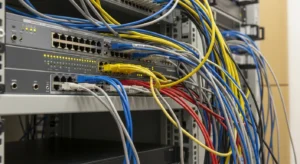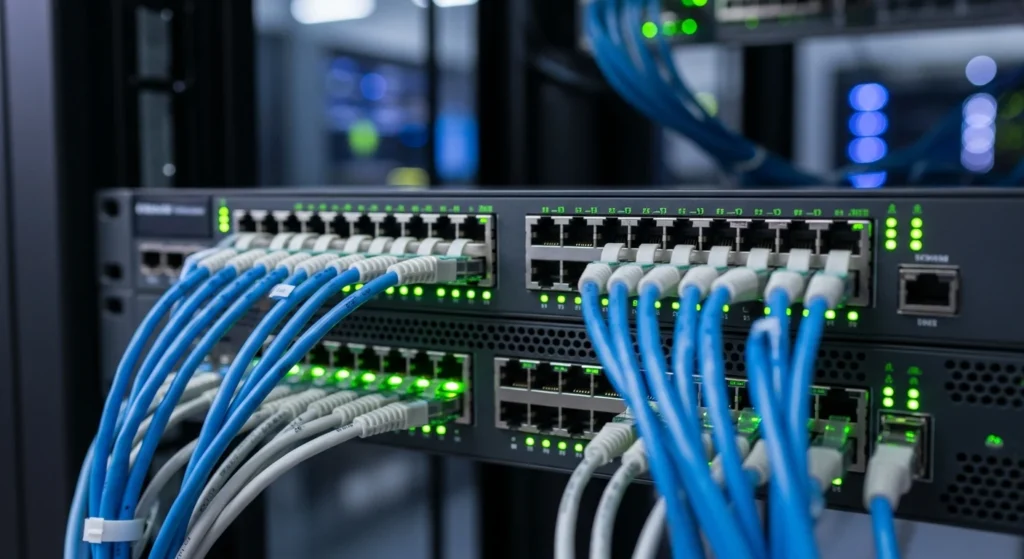

Power over Ethernet (PoE) is integral for deploying IP cameras, wireless access points, and VoIP phones efficiently. It eliminates the need for separate power lines by enabling devices to receive both power and data through a single Ethernet cable. However, effectively planning your PoE power budget is crucial to prevent overloading your switch and to ensure adequate power delivery to all devices. This guide will walk you through the standards, switch power budgeting, and how to manage bundle heating, covering IEEE 802.3af/at/bt standards and TSB-184-A recommendations.
Understanding PoE Standards
The IEEE 802.3 standards define the amount of power available over Ethernet. Understanding these standards is essential for determining the appropriate power supply for your devices:
IEEE 802.3af (PoE)
The 802.3af standard provides up to 15.4 watts of DC power per port at the switch. Given the power loss in the cable, devices can typically use up to 12.95 watts at the end device. This is suitable for many VoIP phones and some basic IP cameras.
IEEE 802.3at (PoE+)
Also known as PoE+, the 802.3at standard increases the maximum power per port to 30 watts, supplying up to 25.5 watts to the device. This standard supports more power-hungry devices, including more advanced IP cameras and some access points.
IEEE 802.3bt (PoE++)
With the 802.3bt standards, you have two levels: Type 3 and Type 4. Type 3 provides up to 60 watts (51 watts to the device), while Type 4 offers up to 100 watts (71 watts to the device). These are intended for high-power devices such as PTZ cameras, wireless access points with significant power requirements, and LED lighting fixtures.
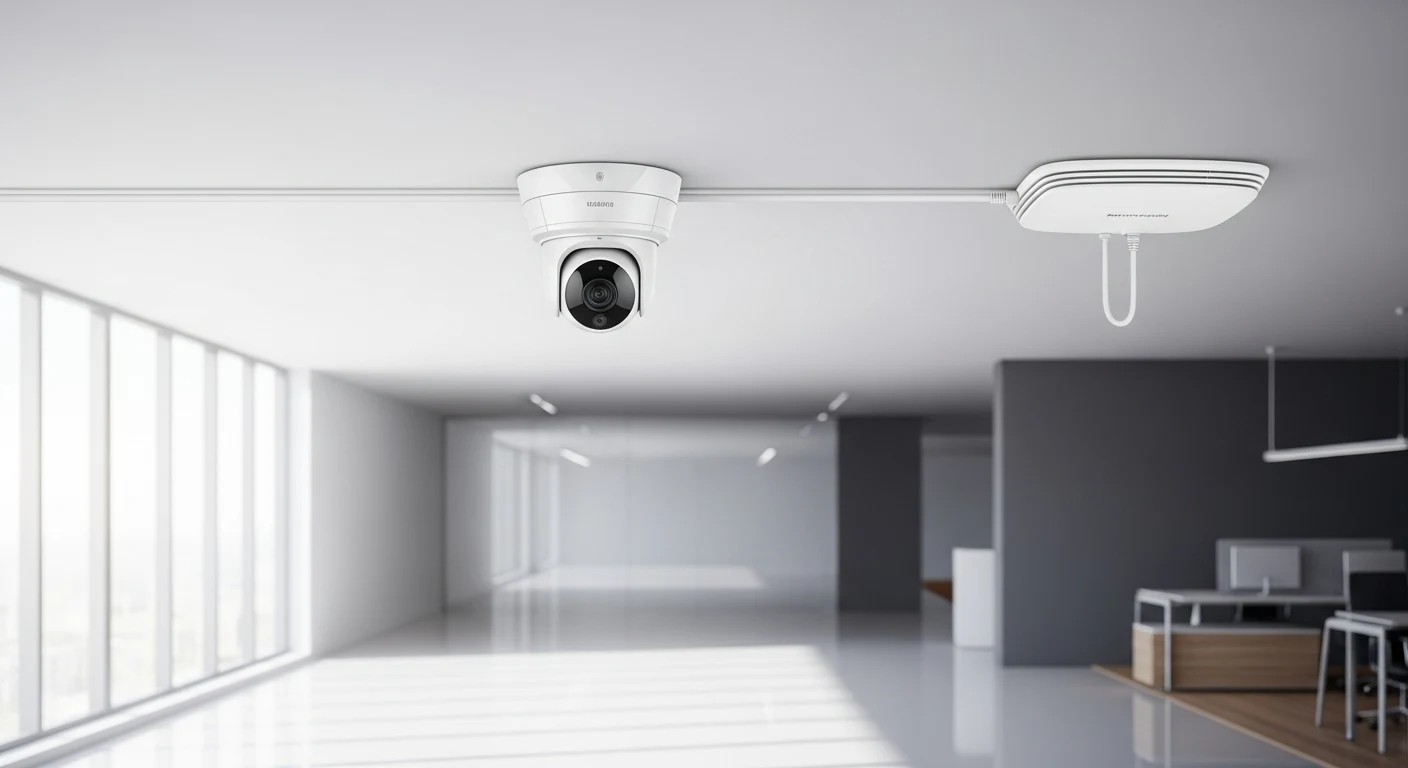
Sizing Your Switch Power Budget
Once you know the power demands of your devices, you need to ensure your switches can deliver the total required power. Here’s how you calculate your switch budget:
1. Inventory and Categorize Devices
List all devices requiring PoE, categorizing them by power requirements: 802.3af, 802.3at, or 802.3bt. This will help you to avoid overestimating the power consumption.
2. Calculate Power Requirements
Add the individual wattage requirements for each device category. For instance, ten PoE cameras at 12.95 watts each will need 129.5 watts, while five PoE+ access points at 25.5 watts each will require 127.5 watts, totaling 257 watts.
3. Determine Switch Capabilities
Check your switch’s power budget. A switch might support 370 watts of PoE over its ports. Match this against your requirements calculated earlier. Plan for some headroom to accommodate future needs and to account for potential inefficiencies.
Need Network Cabling in Toronto?
Free onsite survey within 48 hours. TIA-568 certified, Fluke DSX tested every run.
If your switch power budget is exceeded, consider bridging the load across multiple switches or upgrading to switches with higher power budgets.
Managing PoE Bundle Heating
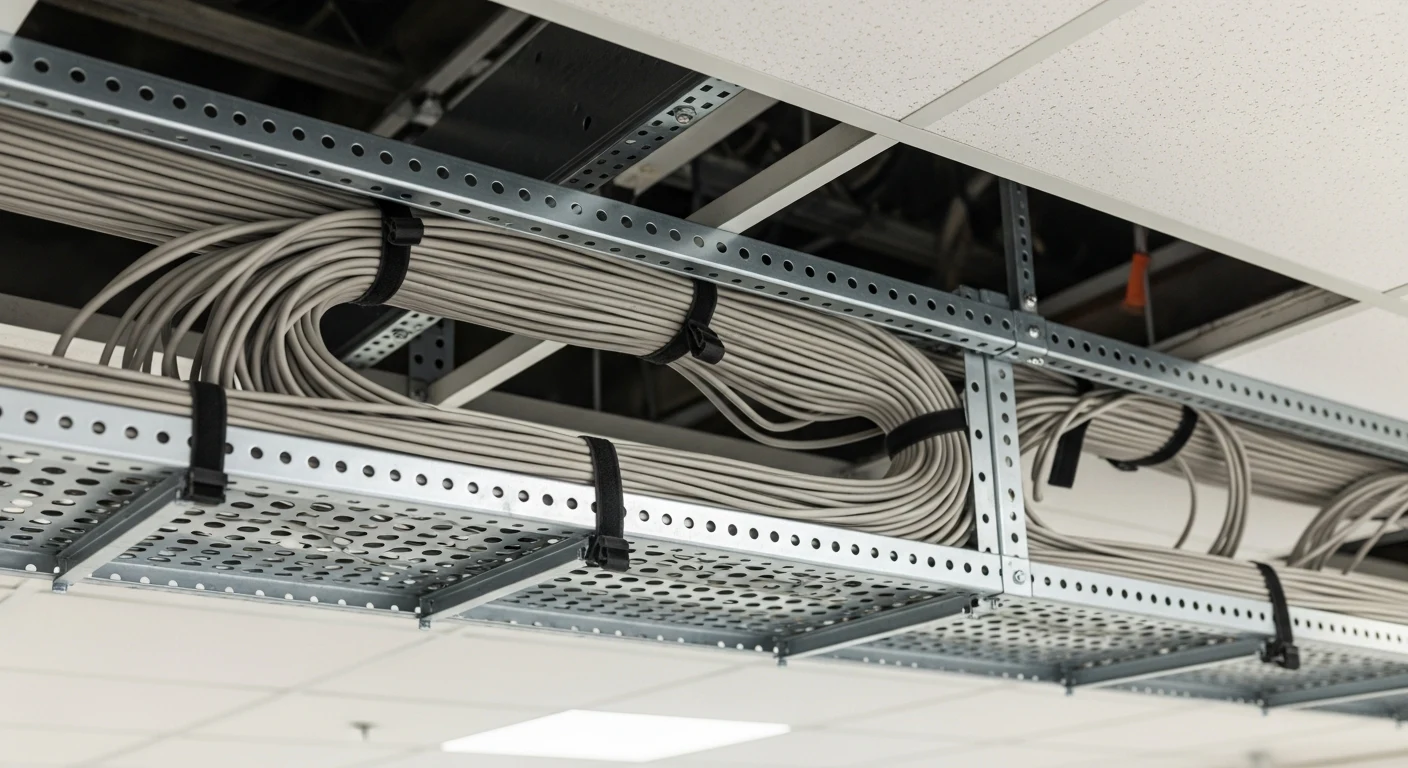
When running cabling for multiple PoE devices, consider the bundle heating issue. TIA TSB-184-A offers guidelines on handling this situation. Excessive heat can lead to data transmission issues and premature cable aging.
Understanding Bundle Heat
When cables are tightly bundled, they can trap heat generated by PoE powering, especially under high load expectations per 802.3bt. The more cables you have, the more significant the heat buildup. It’s essential to manage this to maintain performance and safety.
TIA TSB-184-A Recommendations
To minimize heating, TSB-184-A suggests limiting the number of cables in a bundle based on their category and operational conditions. For instance, it suggests not exceeding 24 cables in a single bundle for Cat6 under significant power load without assessing heat dissipation capabilities.
In high-power scenarios (e.g., 802.3bt), consider spreading the cables across pathways to facilitate better air circulation and heat dispersion, thus keeping operational temperatures within safe limits.
Cable Type Considerations
Using higher-category cables such as Cat6A can help mitigate heat concerns due to slightly improved thermal performance. Though more expensive, Cat6A can offer a balance between supporting higher power levels and ensuring thermal safety in dense cabin settings.
Frequently Asked Questions
Planning a cabling project in the GTA?
Velocity Cabling designs and installs structured cabling, fiber, and security systems for businesses across Toronto, Mississauga, Brampton, and the surrounding area.